

On your personal page
Your name is written in the top right corner of the IS page, click on it and you will be taken to your Personal Page. Then select the “Teaching” tab. Here you will see a list of your courses in each semester and a small “Teacher” link next to each one on the right. Clicking it will bring up links to the individual applications – student list, sending a letter, grades, editing your syllabus….
In the “Teacher” signpost
https://is.jamu.cz/auth/ucitel/
Be careful to select the correct faculty and semester in the top right corner.
In the catalogue of items
https://is.jamu.cz/auth/predmety/katalog
The description of this application is located directly in the application, click inside the application on “Object Catalog Wizard”
The application allows very extensive filtering and bulk work with objects. 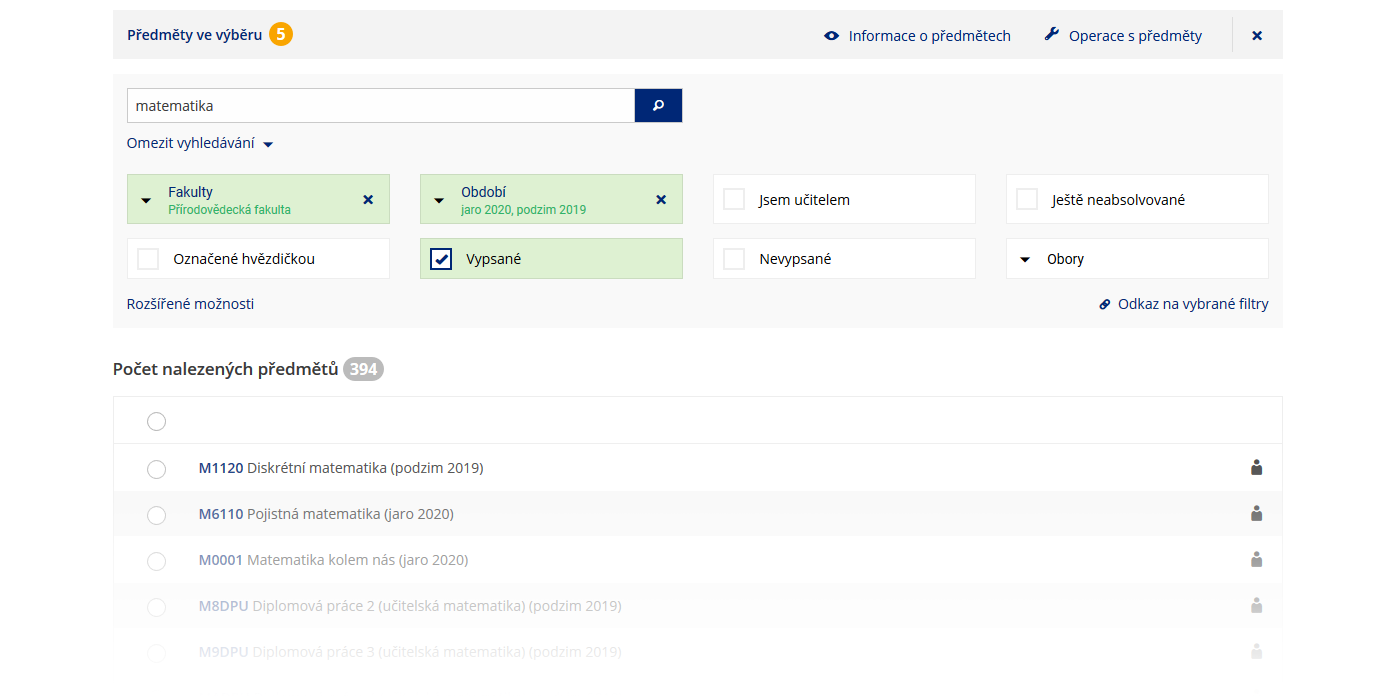
The catalogue has a new and improved interface with automatic display of items that match the selected filters. Searching for items is also faster and there is support for viewing on mobile devices. 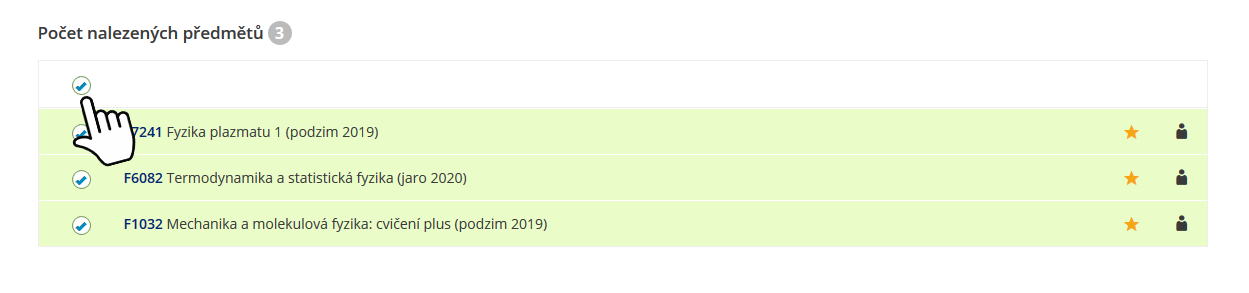
The selection of items is done in a similar way as before. You can simply select items by clicking on their row, or you can use bulk labeling. 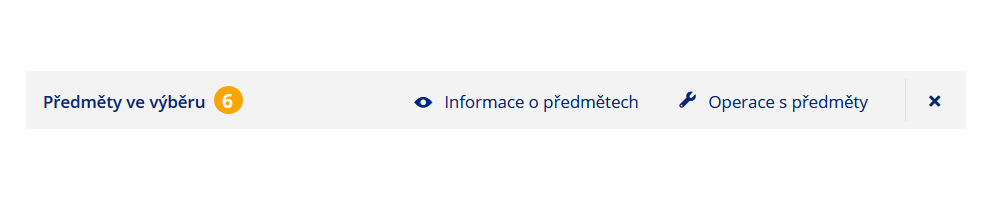
The bar with the selected items is now always at hand at the top of the screen. You won’t lose your bearings even if you choose to display 100 items per page. 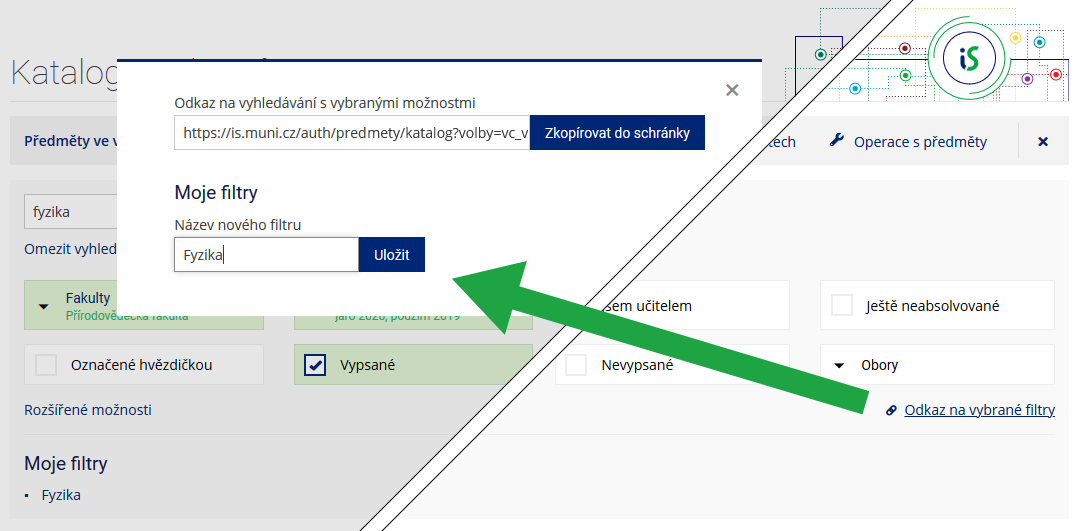
The catalog allows you to save your frequently used filter settings so you can easily return to them. You can also share filter settings with colleagues using the link 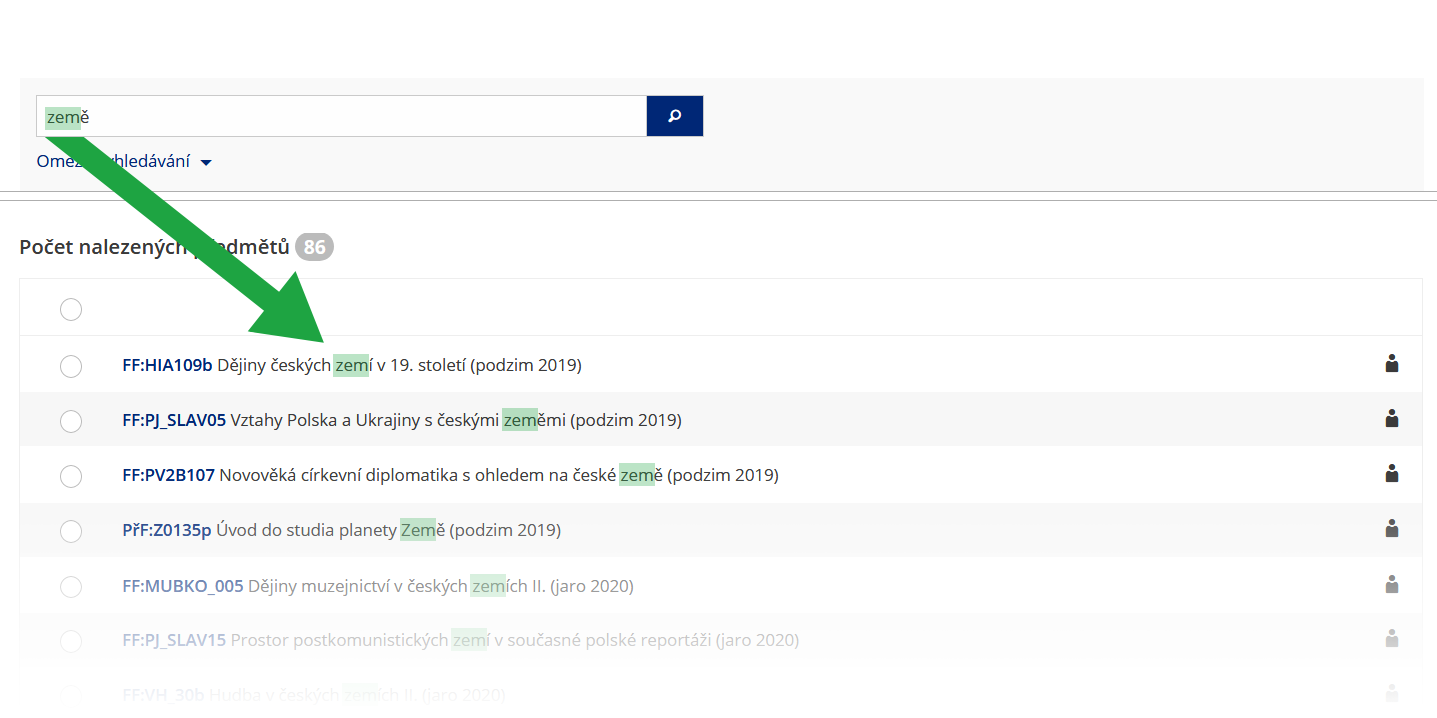
The search box can now work with word roots and inflections and, if not restricted, searches all parts of the Subject Information. More about searching in Help.