

Here you will find information about the passwords you may encounter in the pit.
Primary password
This is the most important password. You use it and your university ID number (UČO) to log in to the JAMU information system(IS JAMU). You will receive this password when you start your studies/employment. If you forget it, you must come to the study department with your personal document (ISIC, ITIC, OP) in case of students and teachers, in case of employees to your IT administrator. They will generate a new password for you. If you wish to change your password, you can do so at https://is.jamu.cz/auth/system/heslo.
Secondary password
You can set or change this password at https://is.jamu.cz/auth/system/heslo. You can use this password to access the M365 services.
EduID password
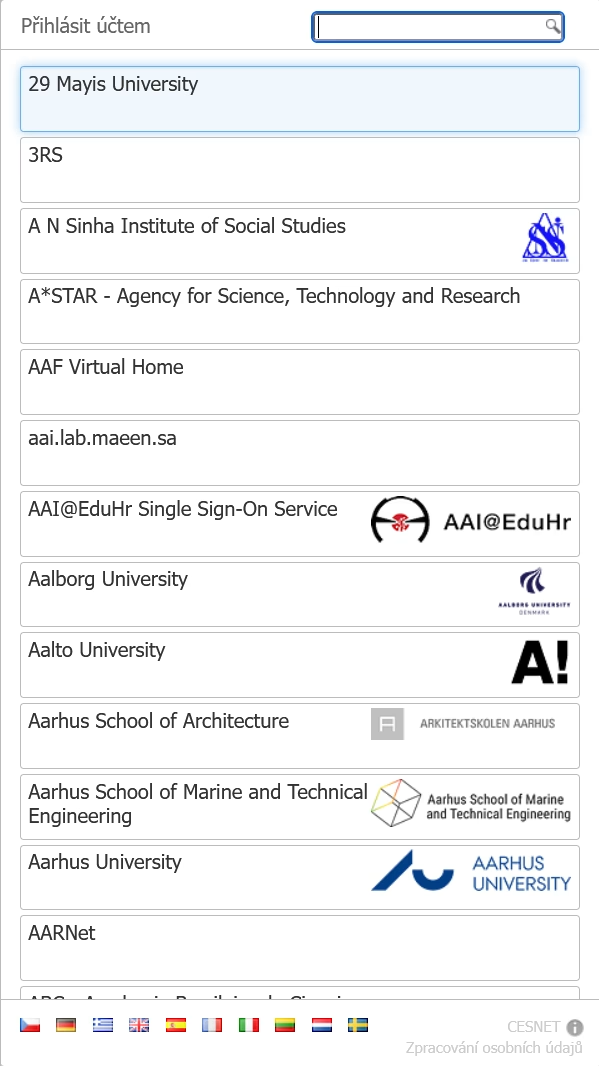
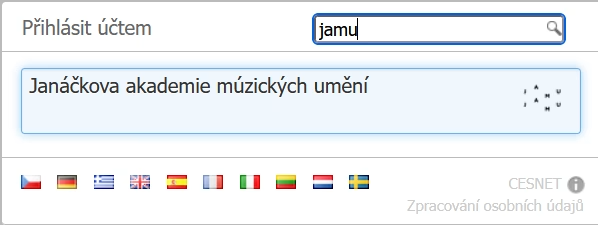
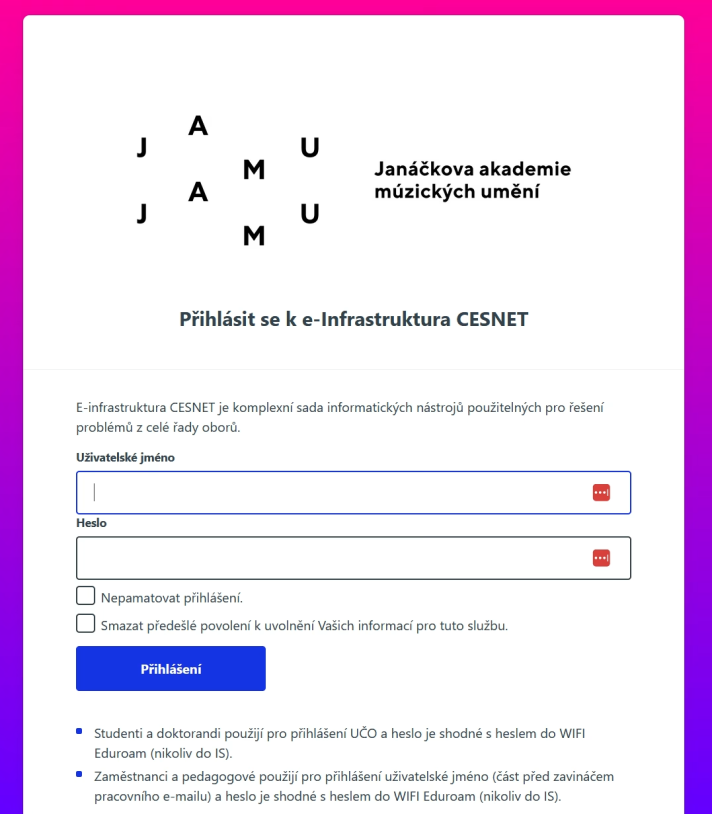
Use this password to log in to the Eduroam wireless network and other services that use EduID authentication. You can see what this EduID login looks like in the images below.
Other passwords
If you use other systems for your work that are not linked to the passwords above, contact the administrator of that application or your network administrator.