You can set up automatic replies, for example in your absence, in Outlook.
In the web version or in Outlook new, you can set up replies at the following points.
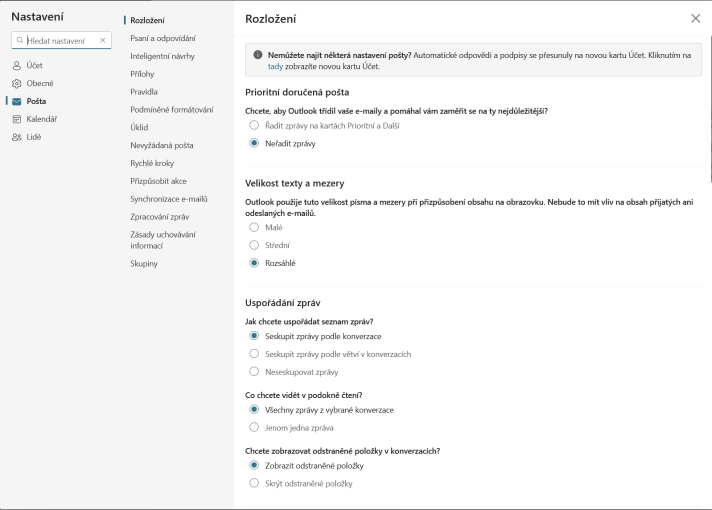
- Open the settings (gear wheel in the top right corner)
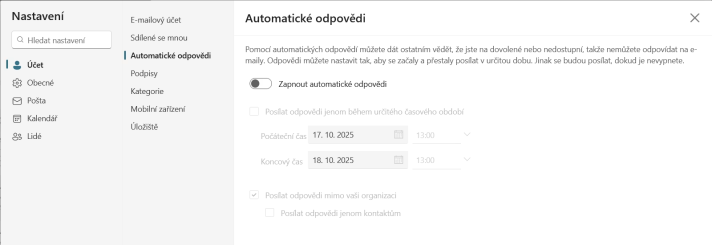
- Select “Account” in the left menu and then “Autoresponders” in the submenu
- You can then turn auto-responders on, off and, if necessary, the time for which the auto-response should be active.
- Then enter the text of the answer itself.
- Confirm your settings with the “Save” button